Welcome To Dreamflow
Product
October 29, 2025
.png)
Welcome to Dreamflow, your new tri-surface app building experience.
With Dreamflow you can write code, prompt an AI agent, build visually or any combination of the three. Everything stays perfectly in sync because in Dreamflow, code is always the source of truth.Dreamflow always reflects your changes in the source code.
🛠️ Get started in seconds
To get started, either create a default project, or prompt Dreamflow's AI agent to generate something custom. While it’s generating, enjoy a quick game of asteroids (seriously).
Once your project is created, you get a preview of your app and can start editing.
🚀Pick your Path
- Like writing code? Switch to Split mode <icon> to edit your code directly- Changes are reflected as soon as you save them.
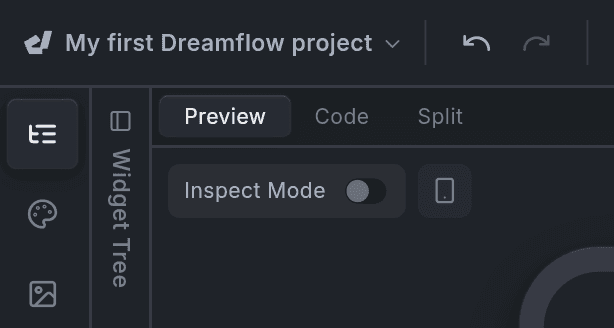
- Prefer designing visually? Toggle the Widget Tree <icon> and Propertiesy panel to start building your interface one click at a time,

- Want AI help? Toggle the Agent <icon> chat panel and give it instructions on what to build next.
No matter which of these surfaces you start with, you can jump between them at any time. - Dreamflow synchronizes changes back to the source code so everything stays in sync.
📤 Ready to publish?
Ready to share your app with the world? Publish it to the web, or ship to the App Store/Play Store right from within Dreamflow. No extra tools or setup required.
Need help or want to share feedback?
We can’t wait to see what you build!
—
Start with watching this video on “mastering your workspace”
Remind them they are on the free plan and have 10 AI credits to play with. (they can still edit other things though right?)
Follow us on X and YouTube for more updates.
.png)
.png)