3 Ideas to try in Dreamflow Today
Product
October 29, 2025
.png)
Turn your idea into a working app
You’ve got everything you need to start building with Dreamflow’s AI. Using LLM-based AI makes it easier than ever to get started on a new app or expand your existing app.
Below are some tips and are a few prompts we’ve used recently that you can try as-is or personalize to your needs.
🛠 Tips
There are two main ways to interaction with the AI agent:
- You can enter your next big app idea into the prompt in the Dreamflow dashboard, which will then create a full app for you from scratch.
- You can chat with the agent in the right-most panel in the Dreamflow IDE, to make changes and improvements to the existing app.
While the former creates an entire app and architecture from scratch, the latter gives you more control over incremental improvements.
And no matter what AI approach you use, you can always also use Dreamflow's visual builders or modify the code directly to make changes.
Here are some prompts that we've used recently while chatting with the agent.
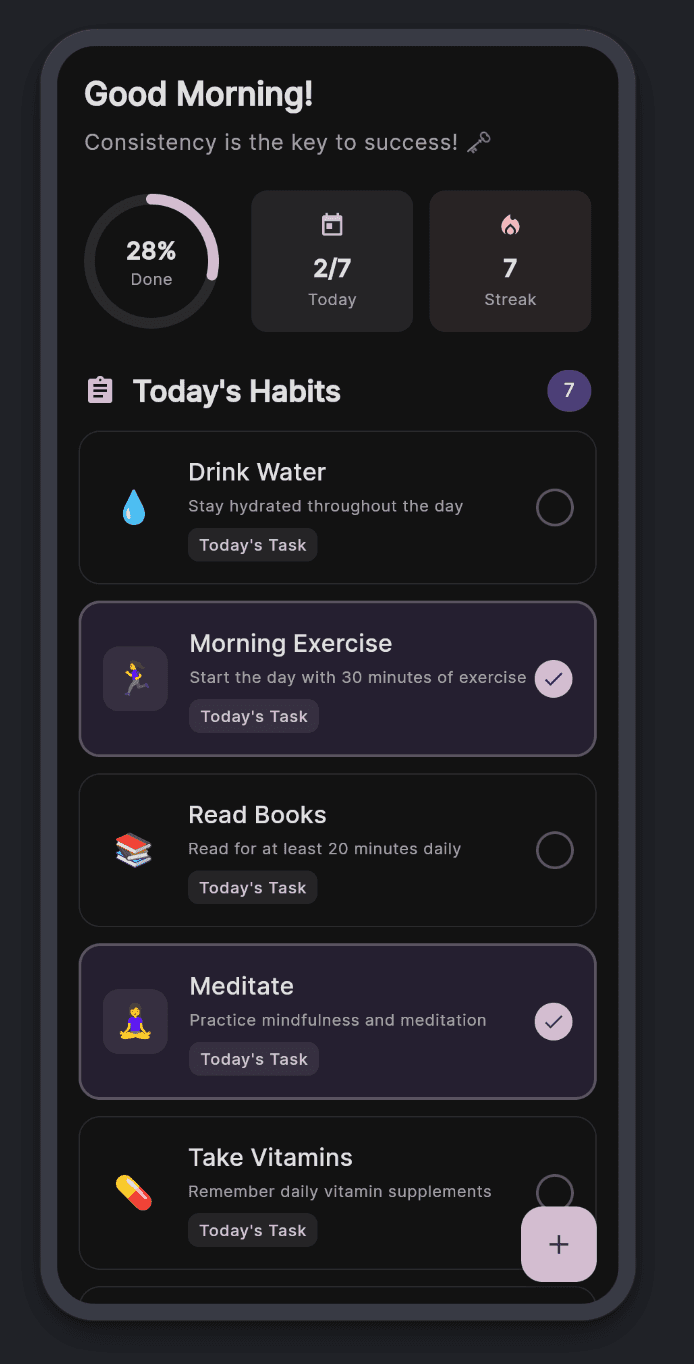
📋 A habit tracker
Prompt
Build the main screen for a habit tracking app. Prepopulate with common habits, and then show the tasks for today on this main screen. Make the app look modern and whimsical.
Duration / Cost
161 seconds / 2.51 credits
Next steps
- Let the user enter their own habits
- Give the user reminders for their habits, even when the app is not running
- Allow the user to share their habit progress with others (through the share sheet of the mobile OS)
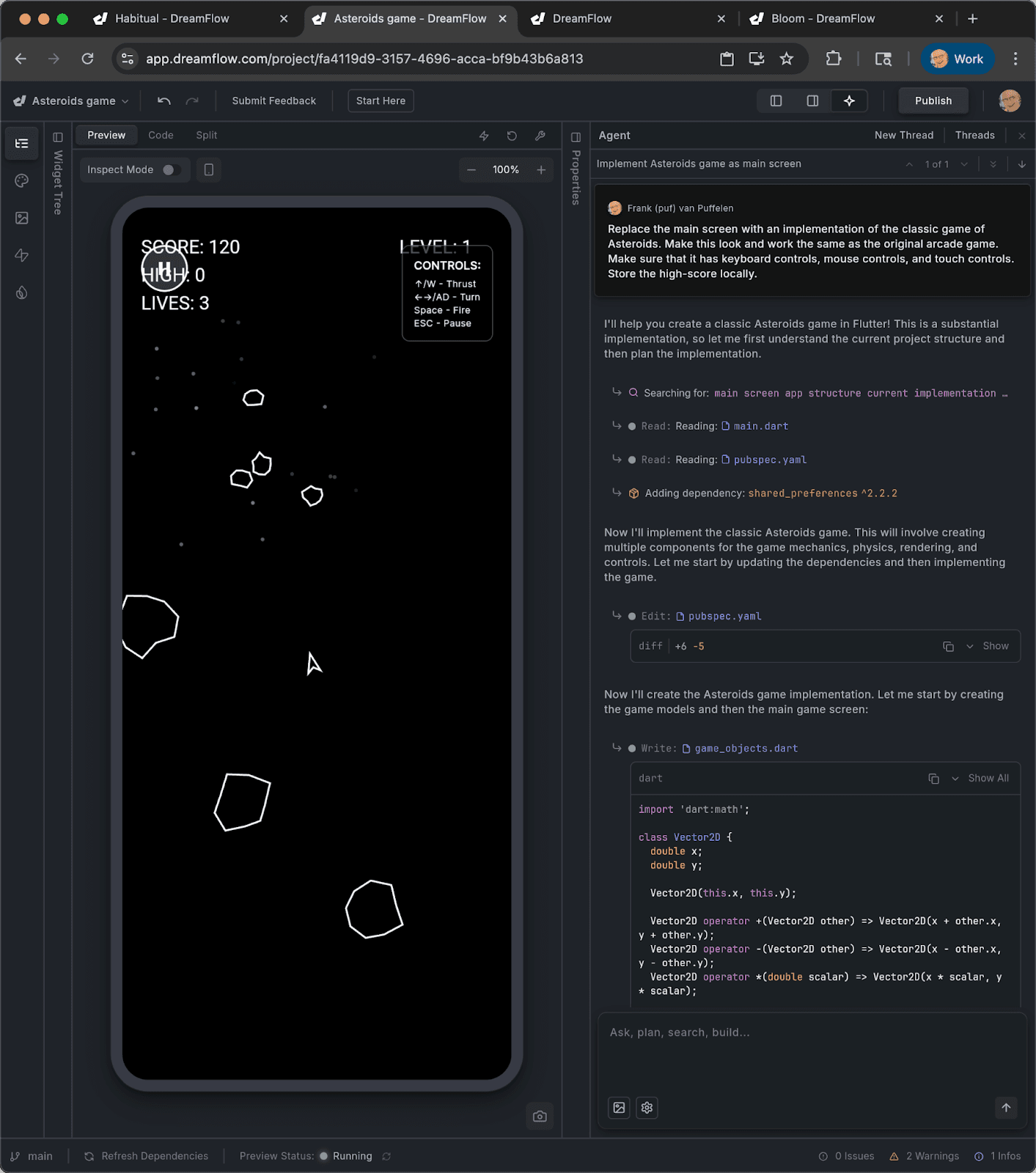
🕹️ Asteroids game
Prompt
Replace the main screen with an implementation of the classic game of Asteroids. Make this look and work the same as the original arcade game. Make sure that it has keyboard controls, mouse controls, and touch controls. Store the high-score locally.
Duration / Cost
183 seconds / 2.30 credits
Next steps
- Give the game a start screen (with instructions)
- Give the game an end screen (with a leaderboard)
- Store a leaderboard of highscores on a server
💬 Chat app

Prompt
Build a small chat app (store the data locally for now) where users can chat with their friends. Make the app look modern and familiar, but also give it some unique twists.
Duration / Cost
313 seconds / 4.42 credits
Next steps
- Make the chats clustered when folks are close to each other
- Store the chat data in a cloud database
- Show a notification when a message arrives when the app is not active
Now it's your turn. Paste one of these prompts into the AI agent and see what you get. You can modify the result visually or in code and all your changes stay in sync.
.png)
.png)